

VitaPOS
In pilotThe till, the floor and the kitchen, on one record.
VitaPOS runs on Android terminals and handhelds, sends each order to the kitchen display and shows the guest their check as it is rung. Everything is set up from one back office and published to every device at once.
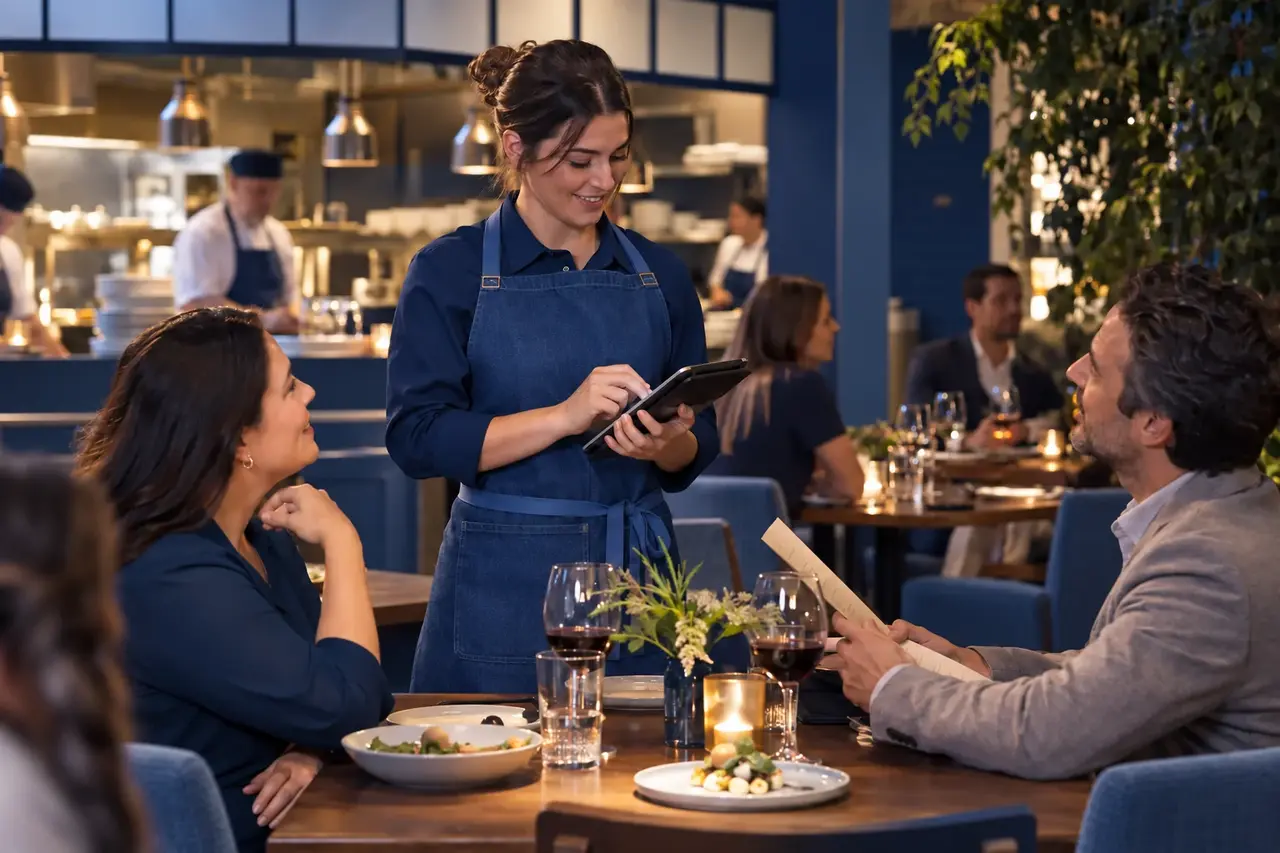
On the floor
Made for a busy room and a tired thumb.
Big targets, one obvious next step, and the same layout on every screen size from a 15 inch terminal to a handheld.
The terminal
The check on one side, the menu on the other, and the actions for the selected line beside them. Forced and optional choices are asked as the item is added, not remembered later.
The handheld
Take the order at the table and send it from where the guest is sitting. A handheld joins the venue by scanning a code, with no setup file to copy.
The floor plan
Your real rooms and tables, edited on the web or on the terminal. Join tables by dragging them together, and when both already have checks it asks whether to merge them or keep them apart.
Split checks
Drag items between the parts of a check and settle each part on its own. Who may split is a setting per job.
Tips the way you serve
Tip on the screen for counter service and handhelds, or the table-service way: a slip with a tip line, and the tip entered from it afterwards. A setting per kind of device.
Keeps going offline
If the internet drops, the terminal keeps taking orders, sending them to the kitchen and printing. Each action reaches the back office once when the line returns.
In the kitchen
Every ticket where it is cooked, and timed.
Each line goes to the station that makes it, on a kitchen display or a kitchen printer, by the routing you set once in the back office.
For the guest
The guest sees what you see.
Customer display
A second screen turned toward the guest shows each item as it is rung, the total, the tip choices and a thank you. It never shows a card number.
A check you can read
Receipts and kitchen chits are laid out for the printer they go to, thermal or impact, with your receipt text set once in the back office.
Back office
Every setting in one place, published once.
Business, menu, service, people and devices, in the order you set a venue up, with a checklist that shows what is left. Nothing reaches a terminal until you review the changes and publish them together.
Menu with every choice
Categories, items, prices and the modifier groups behind them, with colours on items and categories so the order screen is easy to scan.
Screen designer
The order screen builds itself from your menu. Design only the exceptions: a bar page, a happy hour page or a row of actions for one job.
Manager tools on the terminal
Refunds, cash counts, the end of day, staff and menu changes, on the terminal as well as on the web, so a manager is never sent to a laptop mid-shift.
Where it stands
Built, in pilot, and honest about the rest.
Today
- Order taking, the kitchen display, the customer display, the floor plan and the back office, running on Android terminals and handhelds at our demonstration venue.
- Setting a venue up from its menu link with Angie, reviewed before anything reaches a terminal.
- Printing to receipt and kitchen printers, and service that keeps going when the internet drops.
Not yet
- Taking cards on VitaPOS. The card path is built and is waiting on processor and card reader certification before it handles real money.
- Paying a check from a phone by scanning the receipt. It is built and opens together with card acceptance.
- Open sign-up. Pilot venues are taken on one at a time; ask to be one.
See it run a service.
We will walk you through a full service on the terminal, the handheld and the kitchen display, and tell you plainly where your venue would fit in the pilot.